
Edit a photo with AI
Change clothing, light or background with a text request. Upload a photo, choose a model and save the result, including transparent PNG.
Edit a photo with AI
Document photo
Help ↗Create a photo for documents or a professional portrait. Choose an existing photo or take a new one, then prepare a single image or a sheet for printing.
Cropping, clothing and print layouts are free in your browser. Background removal with AI costs credits.
JPEG, PNG or WebP, up to 40 MB and 36 megapixels. Face the camera in even light against a plain background.
Keep your head straight, eyes open and mouth closed. The captured image is not mirrored.
Photo and print sheet are ready
Print the PDF at Actual size / 100%. Turn off Fit to page, borderless enlargement, headers and footers. Select the same paper size. Measure one photo with a ruler after printing.
Free images include a avatarya.app watermark.
Your new image
Processing prices
For Avatarya Studio 2, draft / standard / high quality costs 5 / 10 / 30 credits per result. Other models have their own prices, shown in the editor. Three trial generations are available; high quality requires an account and credits.
Pricing ↗Inspiration
All instructions ↗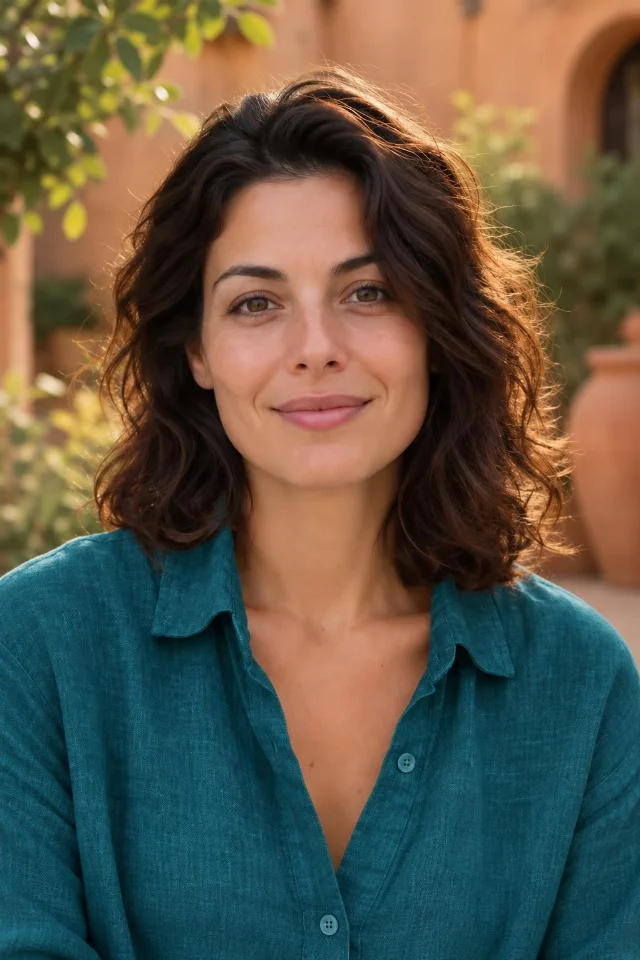
Upload one photo, describe the changes and choose the model and quality. This guide covers general editing while keeping the important details in view.
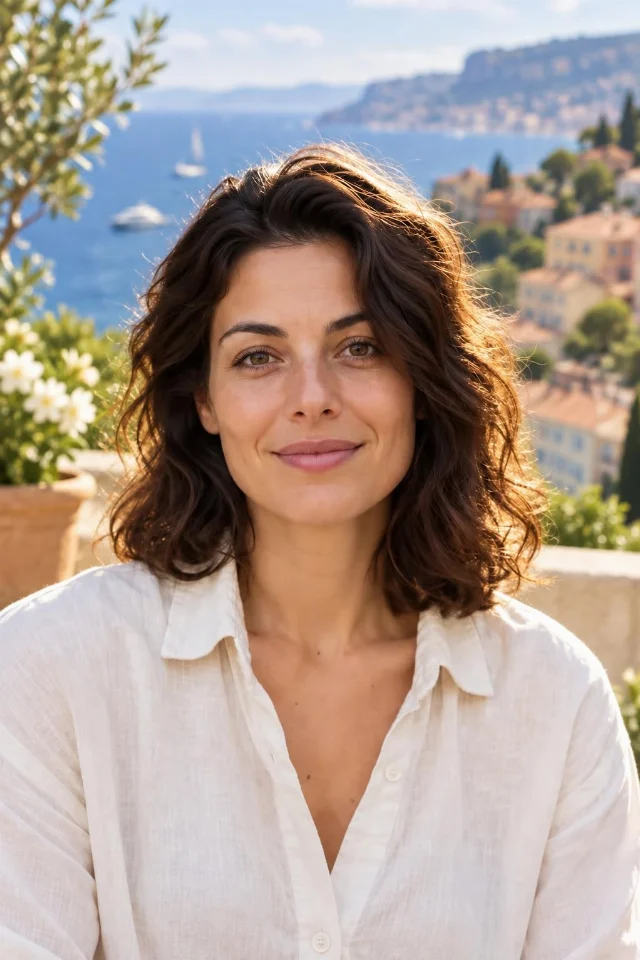
Use the photo editor to replace the scenery or blur the background while asking the model to keep the main subject.
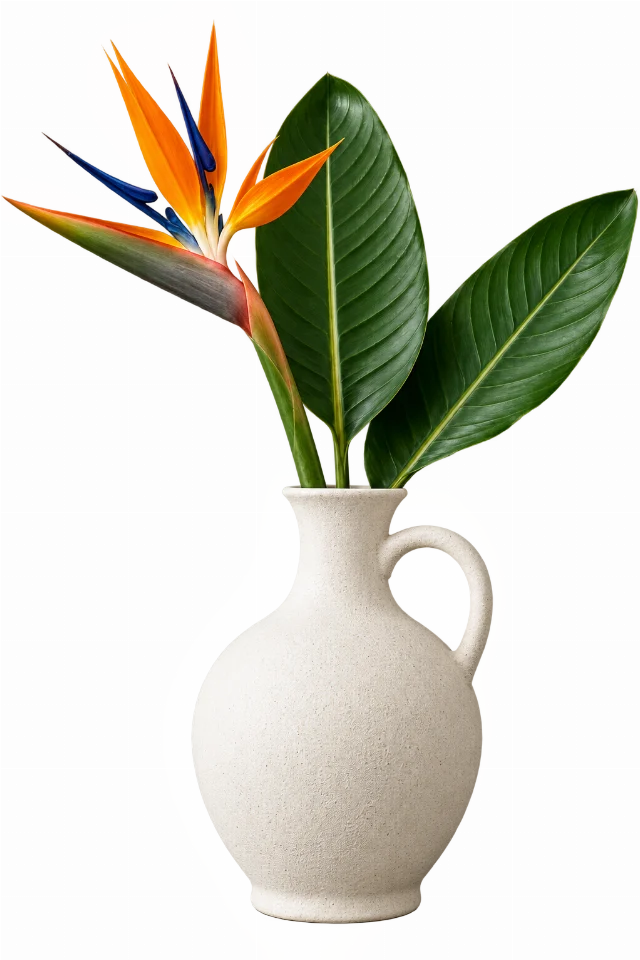
Create a real transparent cutout of a person or product rather than a white rectangle or a painted checkerboard.
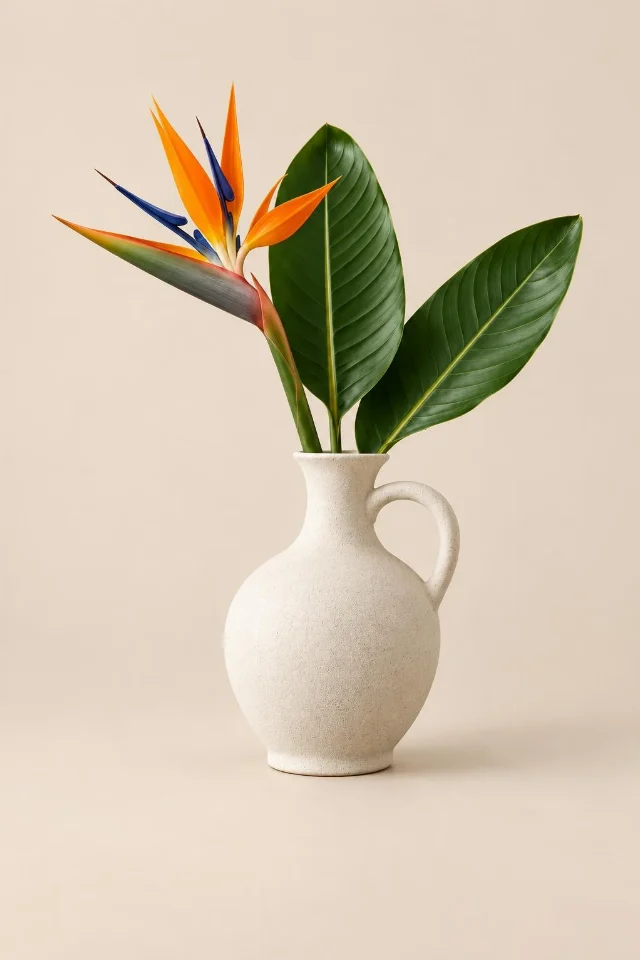
Improve the presentation of one product photograph while specifying the shape, colour, logo and packaging that should remain.
A few things you might be wondering
What can I change in a photo?
Describe the subject and the change: clothing color, lighting, a new location or product presentation. To remove the background, request real transparency and enable transparent PNG.
How much does processing cost?
For Avatarya Studio 2, draft / standard / high quality costs 5 / 10 / 30 credits per result. Other models have their own prices, shown in the editor. Three trial generations are available; high quality requires an account and credits.
Processing prices
For Avatarya Studio 2, draft / standard / high quality costs 5 / 10 / 30 credits per result. Other models have their own prices, shown in the editor. Three trial generations are available; high quality requires an account and credits.
Pricing ↗Inspiration
All instructions ↗
Generate a new image without uploading a photograph. Describe the subject, setting, composition and visual style.

Plan a new image around a short heading, readable composition and the format of the future publication.
A few things you might be wondering
Do I need to upload a photo?
No. Describe the subject, style, light and composition. Choose a square, landscape or portrait format. For a poster, put the exact headline in quotation marks.
How much does processing cost?
For Avatarya Studio 2, draft / standard / high quality costs 5 / 10 / 30 credits per result. Other models have their own prices, shown in the editor. Three trial generations are available; high quality requires an account and credits.
Processing prices
1× and 2× cost 5 and 5 credits; 4× costs 10 credits. The price is shown before processing.
Pricing ↗Inspiration
All instructions ↗
Use the 1× enhancement option when you want to clean up an image while keeping its original pixel dimensions.
Increase image dimensions with the enhancement service, choosing the scale according to the source size and output limits.
A few things you might be wondering
How large can my photo be?
The source limit is 1 megapixels and the output limit is 4 megapixels, with a maximum side of 8192 pixels. Choose 1× for noise reduction or 2×/4× for enlargement.
How much does processing cost?
1× and 2× cost 5 and 5 credits; 4× costs 10 credits. The price is shown before processing.
Processing prices
For Avatarya Studio 2, draft / standard / high quality costs 5 / 10 / 30 credits per result. Other models have their own prices, shown in the editor. Three trial generations are available; high quality requires an account and credits.
Pricing ↗Inspiration
All instructions ↗
A few things you might be wondering
How do I mark an object for removal?
Upload a photo and paint over the entire object, including its shadow. Leave nearby background visible so the model can reconstruct its texture, light and perspective.
How much does processing cost?
For Avatarya Studio 2, draft / standard / high quality costs 5 / 10 / 30 credits per result. Other models have their own prices, shown in the editor. Three trial generations are available; high quality requires an account and credits.
Processing prices
For Avatarya Studio 2, draft / standard / high quality costs 5 / 10 / 30 credits per result. Other models have their own prices, shown in the editor. Three trial generations are available; high quality requires an account and credits.
Pricing ↗Inspiration
All instructions ↗
Turn one portrait into a single expressive avatar sticker.
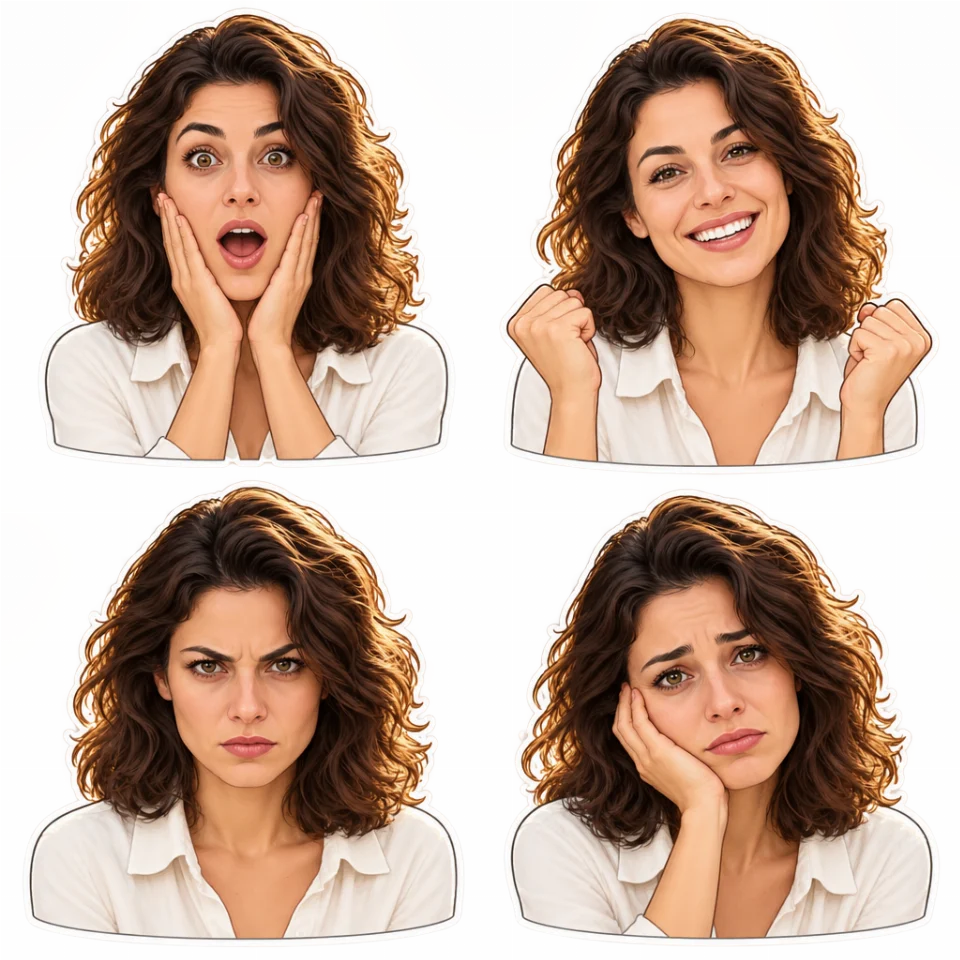
Turn one portrait into 4 coordinated stickers with different emotions and real transparency.
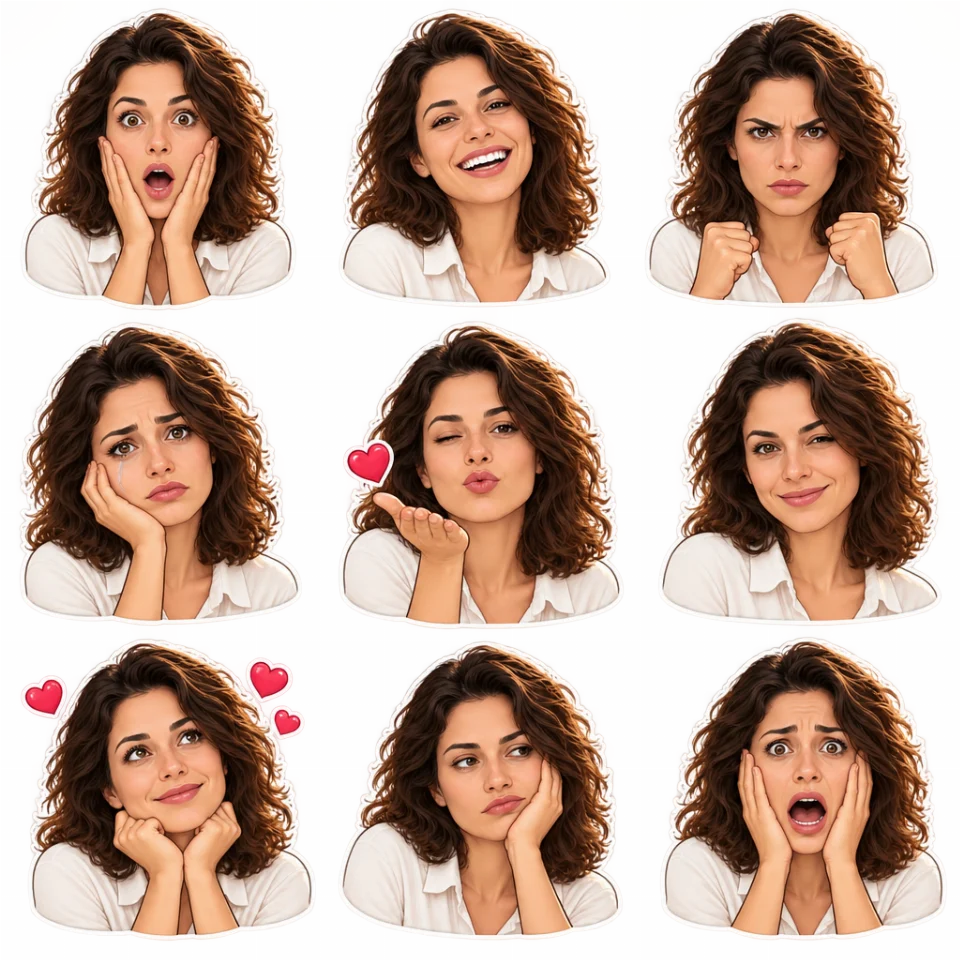
Turn one portrait into 9 coordinated stickers with different emotions and real transparency.
A few things you might be wondering
Which files will I receive?
One avatar is a transparent PNG. Sets of four or nine include a PNG sheet and a ZIP with individual stickers. Choose a clear photo with one face and describe details you want to preserve.
How much does processing cost?
For Avatarya Studio 2, draft / standard / high quality costs 5 / 10 / 30 credits per result. Other models have their own prices, shown in the editor. Three trial generations are available; high quality requires an account and credits.
Processing prices
For Avatarya Studio 2, draft / standard / high quality costs 5 / 10 / 30 credits per result. Other models have their own prices, shown in the editor. Three trial generations are available; high quality requires an account and credits.
Pricing ↗Inspiration
All instructions ↗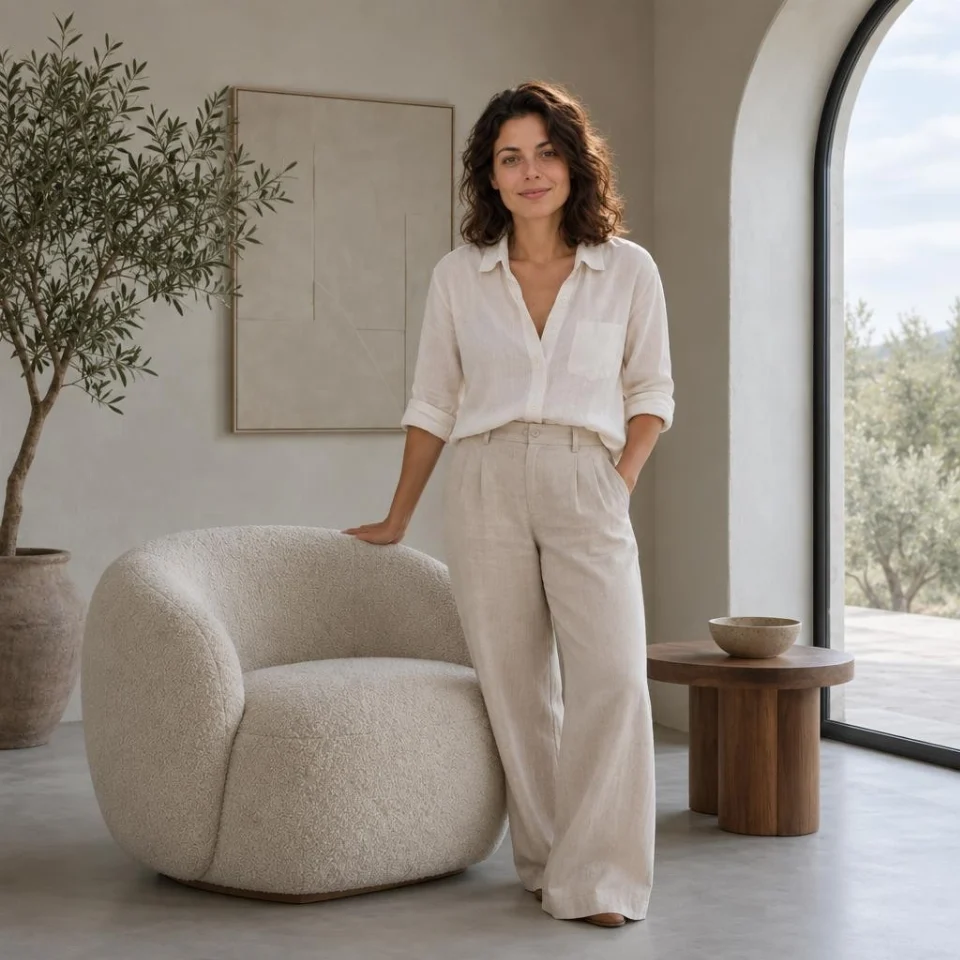
Use both source photographs in one composition and explain which elements to take from each image.
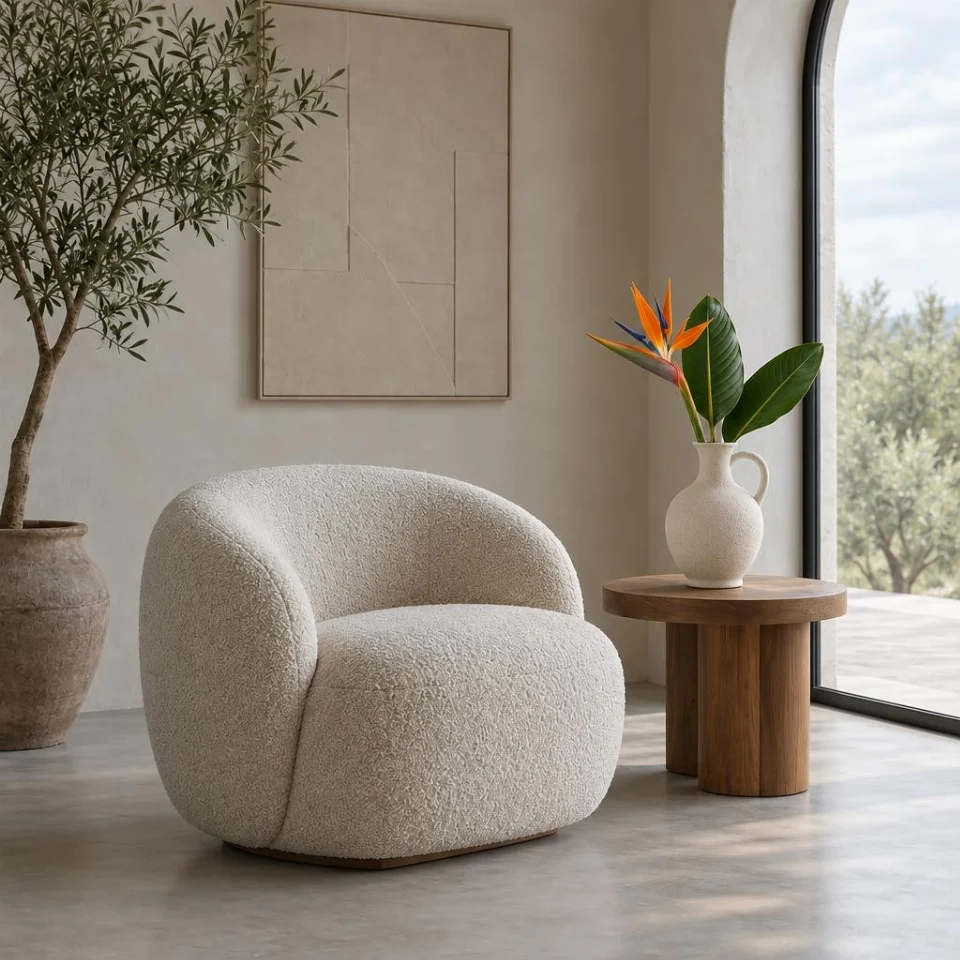
Combine a product reference and a scene reference, with instructions about size, placement and believable lighting.
A few things you might be wondering
In which order should I upload the photos?
Use the first photo for the person or object and the second for the scene. Refer to both images in your request and describe placement, scale, light and shadows. Both photos are required.
How much does processing cost?
For Avatarya Studio 2, draft / standard / high quality costs 5 / 10 / 30 credits per result. Other models have their own prices, shown in the editor. Three trial generations are available; high quality requires an account and credits.
Processing prices
Cropping, clothing overlays and printing are free. AI background removal requires an account and credits: 5 / 10 / 30 for draft, standard or high quality. Free trials do not apply to this action.
Pricing ↗Inspiration
All instructions ↗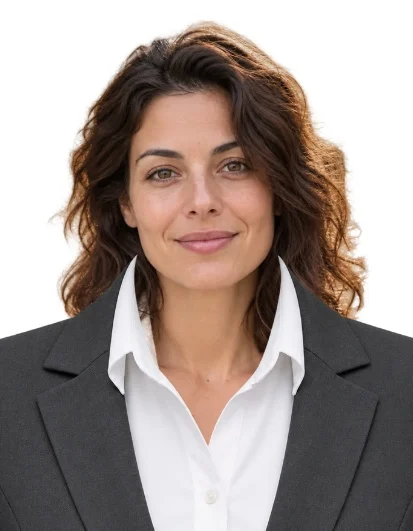
A step-by-step Avatarya guide to removing a background with AI, fitting a clothing overlay, setting photo dimensions and downloading JPG, PNG or a print-ready PDF.
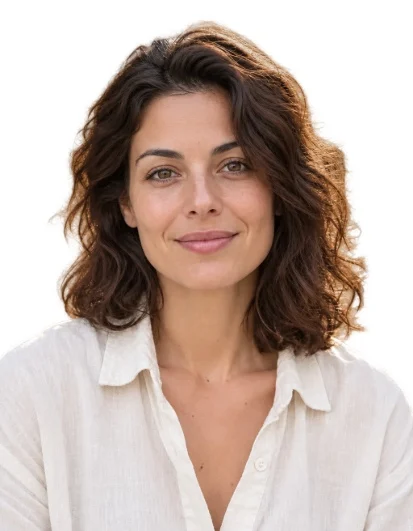
Use the paid AI background-removal action in Document photo to keep the person and place a clean colour behind the cutout.
Use the free clothing layers in Document photo and adjust their placement in the dedicated preview.
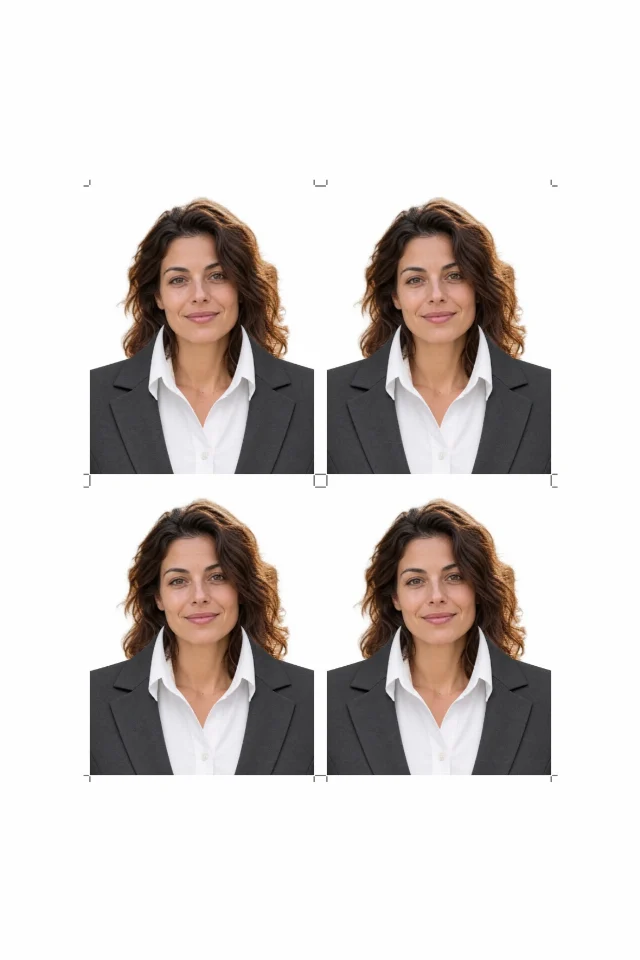
Set millimetre dimensions, copy count and paper size, then download individual photos and a PDF for printing.
A few things you might be wondering
Will a chair remain after background removal?
The paid AI action keeps only the person, including hair, clothing and worn accessories. It removes chairs, furniture and other objects. Check the preview before export. Acceptance rules differ between documents.
How much does processing cost?
Cropping, clothing overlays and printing are free. AI background removal requires an account and credits: 5 / 10 / 30 for draft, standard or high quality. Free trials do not apply to this action.