
Combine people or objects from 2 photographs
Use both source photographs in one composition and explain which elements to take from each image.
Open service Video walkthrough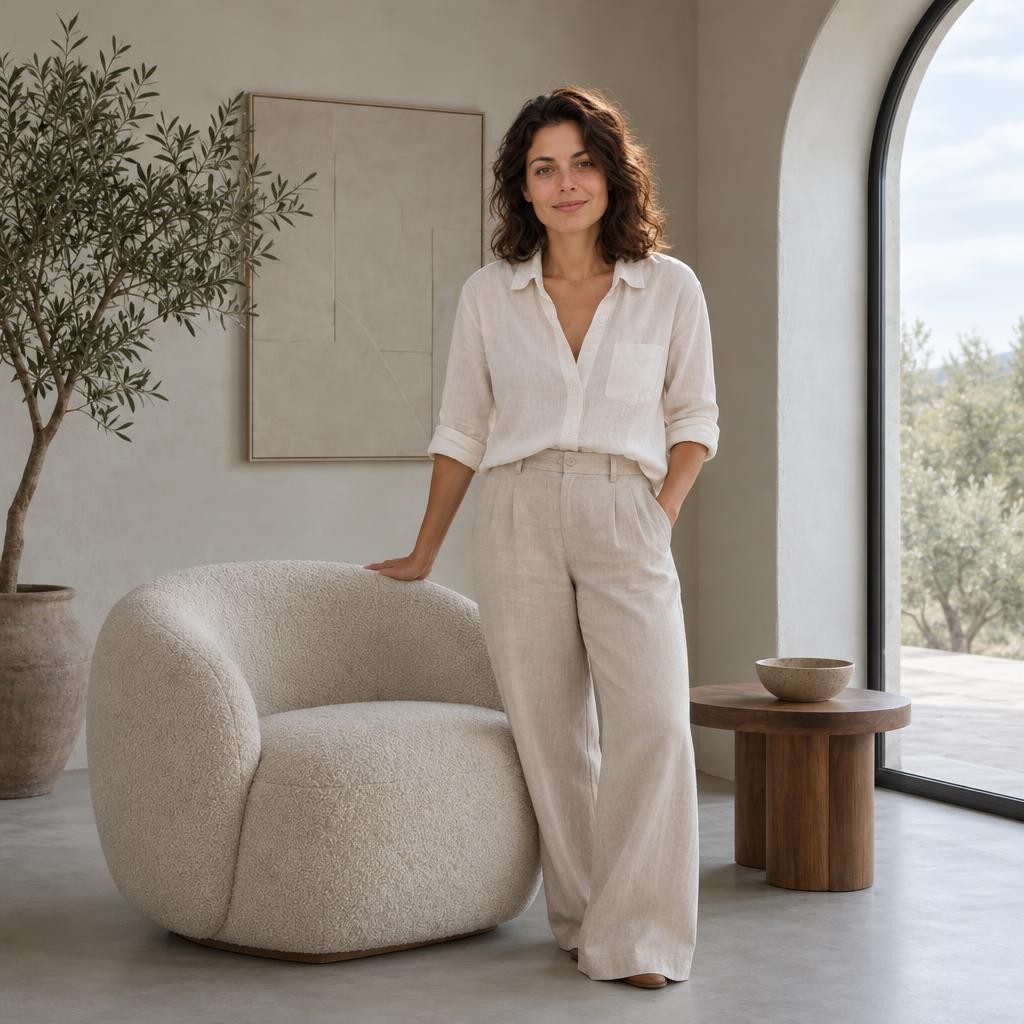
Your new image
Video walkthrough
Steps in the video
- Combine people or objects from 2 photographs
- Open the tool you need
- Choose the source photo
- Add a second photo for the new scene
- Describe the changes you want
- Choose the image format
- Choose the model and standard quality
- Choose the model and standard quality
- Check the cost and press the processing button
- Previously generated example result
- Previously generated example result
- Download the finished file
- Ready — try it with your own photo
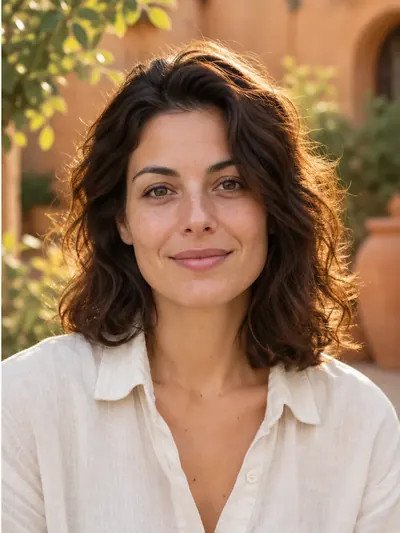
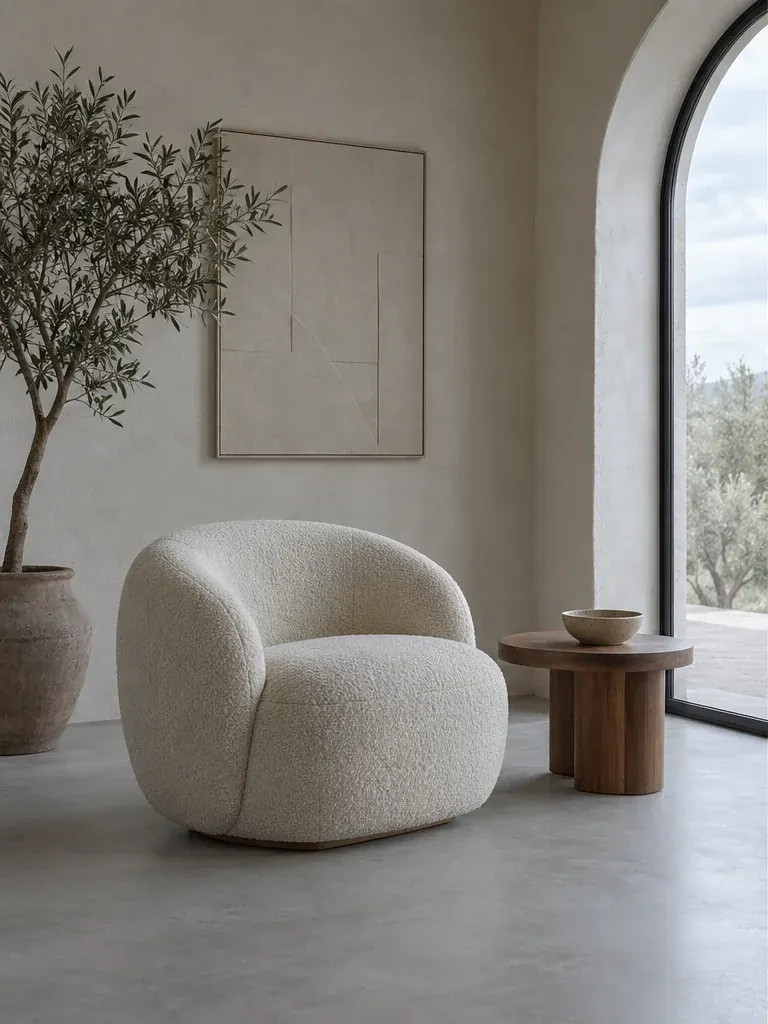
Choose 2 references
Open Combine photos. Upload the first and second JPEG, PNG or WebP; each file can be up to 20 MB and 24 MP. Use a clear reference for each person or object.
Explain the role of each photo
Name the first and second photographs explicitly. Describe which people or objects to include, where they belong and how the lighting should match. The description limit is 1600 characters.
Choose format and price
Choose square 1:1, landscape 3:2 or portrait 2:3. Set model and quality and check the displayed cost for one result. Both source images are required.
Compare and download
Start composition and check faces, object proportions, perspective and lighting. Download the JPG. The source images and result remain private and can be managed from account history.
Place the person from the first photo next to the person from the second photo in one garden scene. Keep both recognisable and match the daylight.
Practical tips
Uploading 2 images does not by itself tell the model how to combine them. State the intended relationship, relative scale and the details that should remain recognisable.