
Place a product from one photo into another scene
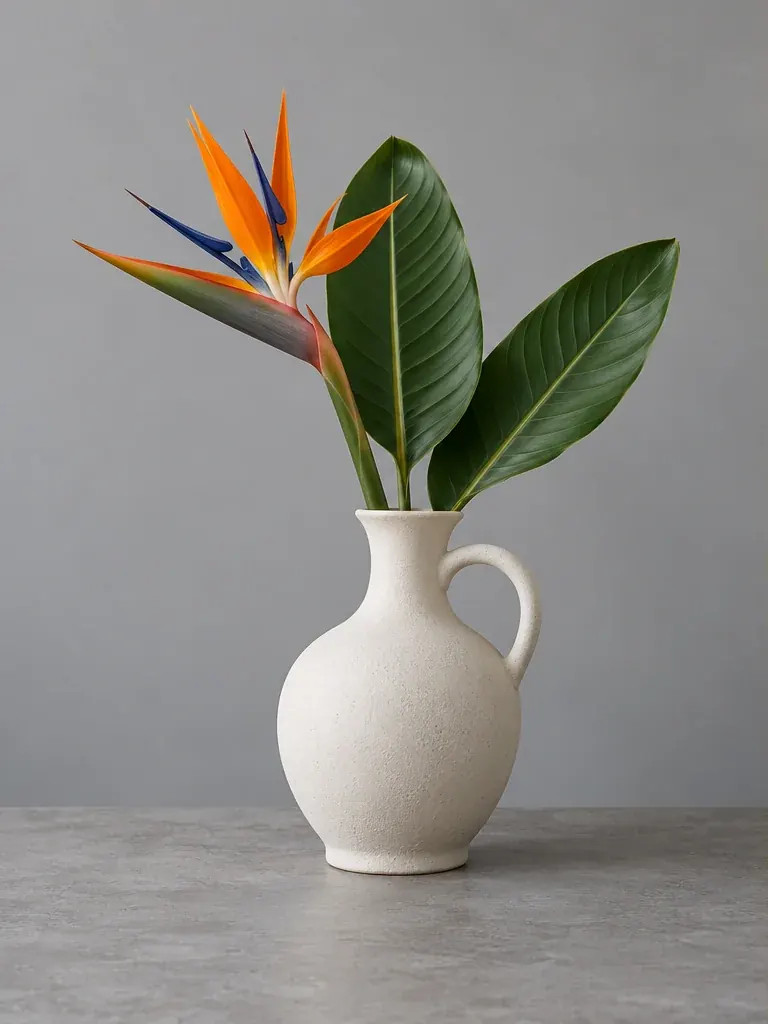
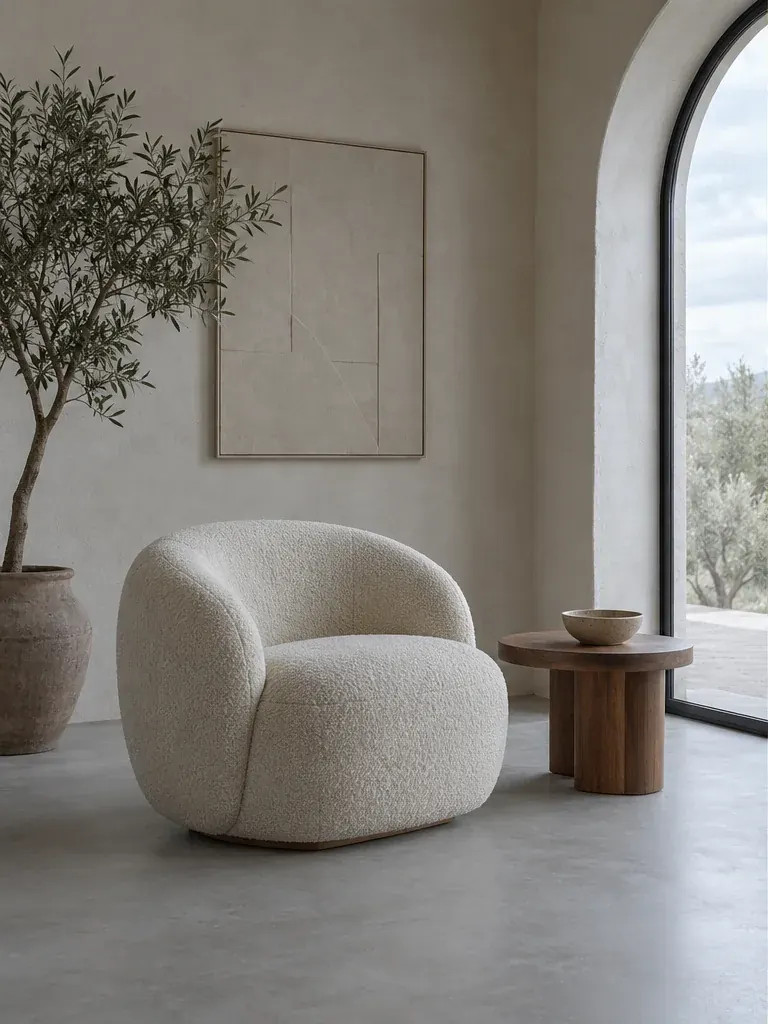
Combine a product reference and a scene reference, with instructions about size, placement and believable lighting.
Open service Video walkthrough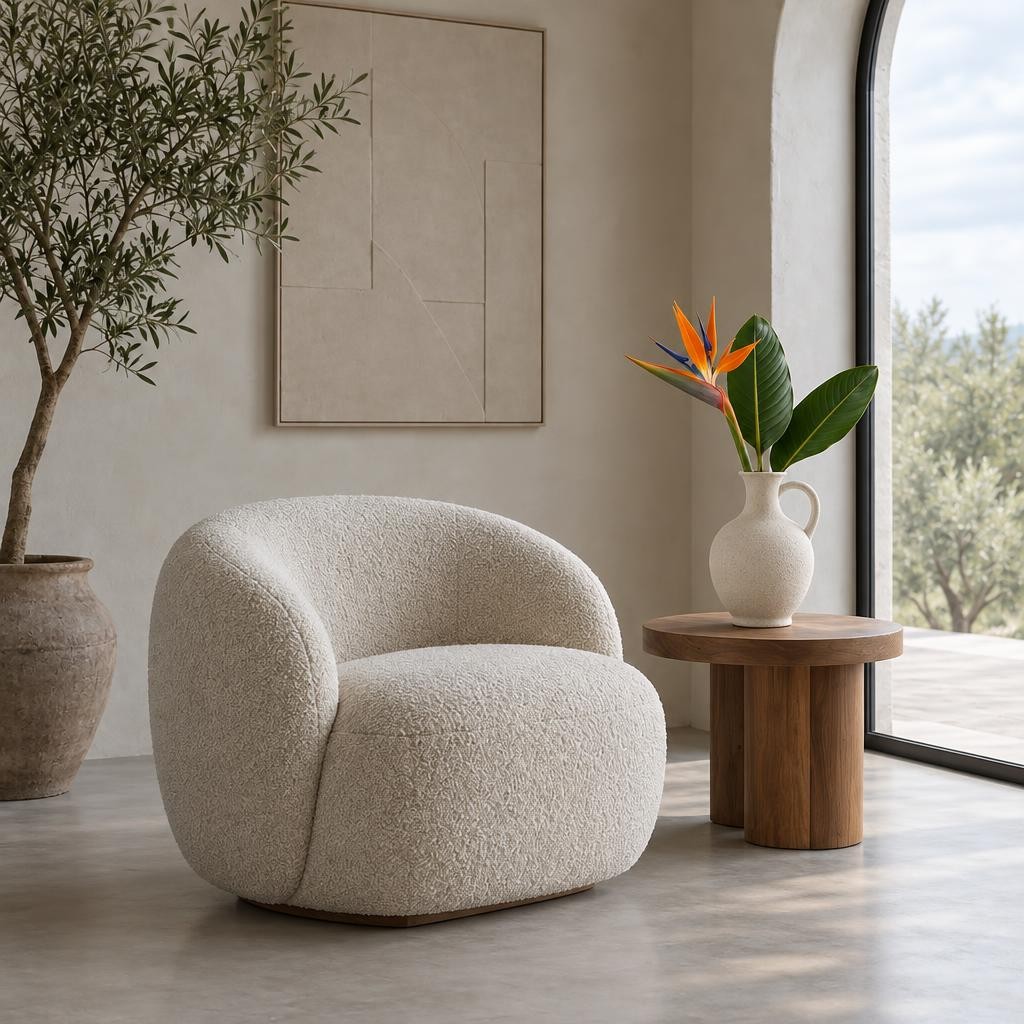
Your new image
Video walkthrough
Steps in the video
- Place a product from one photo into another scene
- Open the tool you need
- Choose the source photo
- Add a second photo for the new scene
- Describe the changes you want
- Choose the image format
- Choose the model and standard quality
- Choose the model and standard quality
- Check the cost and press the processing button
- Previously generated example result
- Previously generated example result
- Download the finished file
- Ready — try it with your own photo
Upload the product and scene
Open Combine photos. Use the product as the first photo and the destination scene as the second. Each JPEG, PNG or WebP must stay within 20 MB and 24 MP.
Specify the placement
Describe where the product belongs, its size relative to surrounding objects and which surface should support it. Request preservation of the product shape, colour and labels. Use up to 1600 characters.
Set the composition
Choose the output ratio, model and quality. Check the credit cost and start processing. Choose landscape when the scene needs room around the product, or square for a compact catalogue image.
Check commercial details
Inspect perspective, contact shadows, reflections and all packaging text. Download JPG only after checking that the image represents the actual product correctly.
Place the bottle from the first photo on the stone shelf in the second photo. Keep its label and proportions, and match the warm side lighting and soft contact shadow.
Practical tips
This creates a new composition rather than simply pasting the exact original pixels. Verify logos and text. For editing only one product photo, follow the catalogue-photo guide.