
Prepare a product photo for a catalogue
Improve the presentation of one product photograph while specifying the shape, colour, logo and packaging that should remain.
Open service Video walkthrough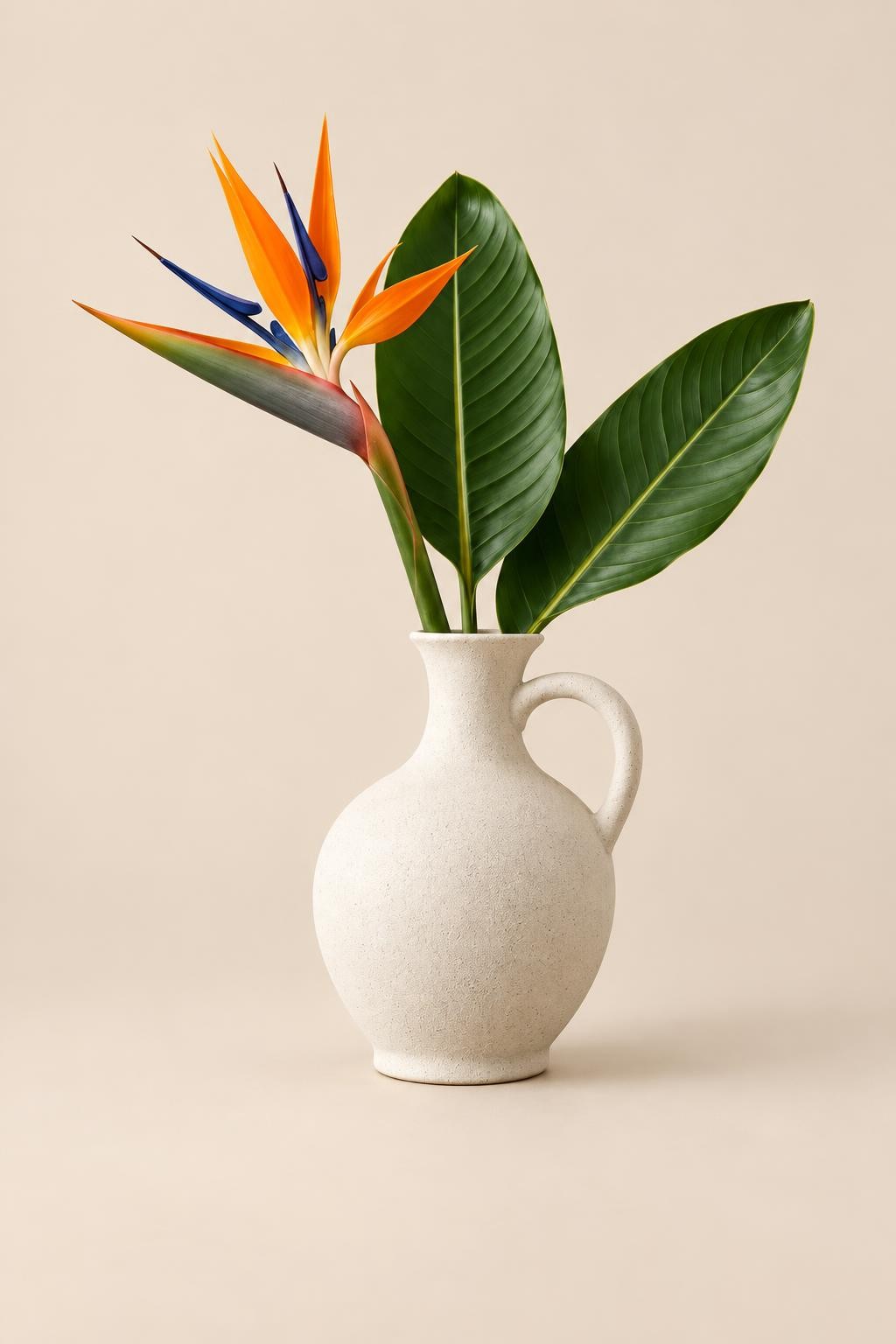
Your new image
Video walkthrough
Steps in the video
- Prepare a product photo for a catalogue
- Open the tool you need
- Choose the source photo
- Describe the changes you want
- Choose the model and standard quality
- Choose the model and standard quality
- Check the cost and press the processing button
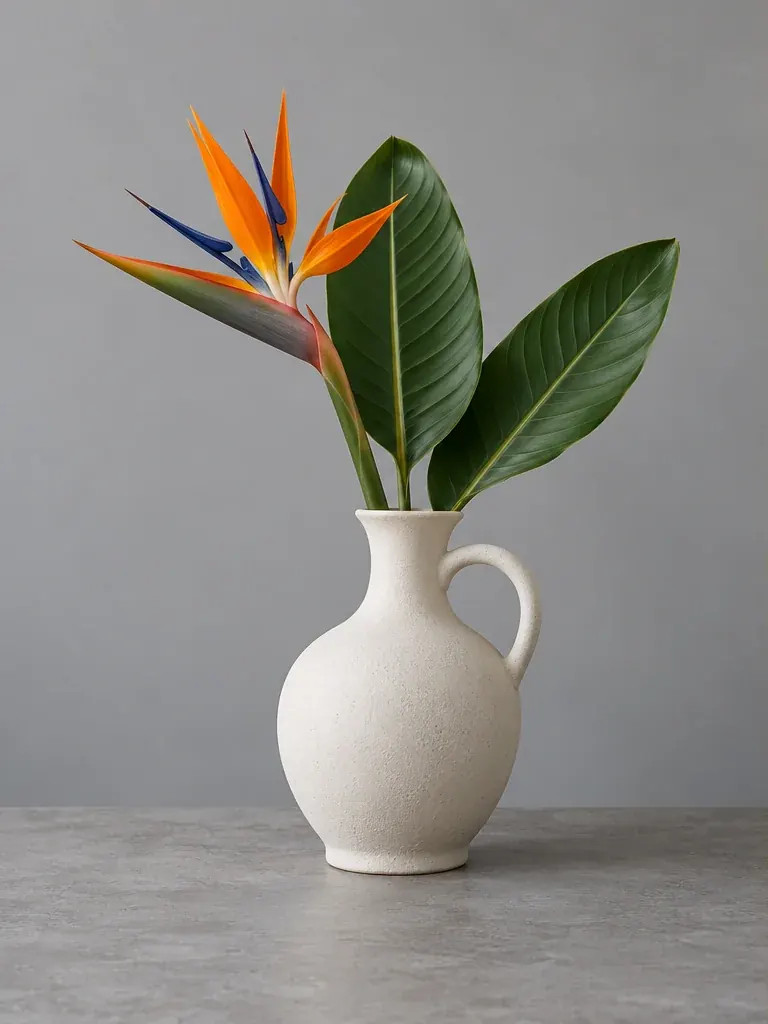
- Previously generated example result
- Previously generated example result
- Download the finished file
- Ready — try it with your own photo
Upload a clear original
Open Edit photo and upload one product photo up to 20 MB and 24 MP. Make sure the product is fully visible and the labels can be read.
Describe the presentation
Ask for a catalogue background, soft studio light and realistic shadows. Explicitly request preservation of the product shape, proportions, colour and printed labels. The prompt can contain up to 2000 characters.
Choose the output
For a plain catalogue scene, leave transparency off. For a separate cutout, enable it and request no background. Choose model and quality and inspect the price before launch.
Review the product
Compare the generated result with the original, especially logos, numbers, materials and proportions. Download JPG for an opaque scene or PNG for a transparent cutout.
Keep the bottle shape, label and colours unchanged. Add soft studio lighting, a light beige background and a subtle natural shadow.
Practical tips
AI can alter packaging text and small details. For a sale listing, verify the image against the actual product. To place a product into another photograph, use the two-photo composition guide.